How to deploy an Express app to Platformatic Cloud

If you have an existing Express application, migrating it to Fastify to benefit from its speed and simplicity might be a time-consuming task that you can't immediately prioritize. You can however still take advantage of Fastify's flexibility, as well as Platformatic’s open-source backend tools and Cloud hosting service.
We’ve designed Platformatic Cloud to deliver the best deployment and hosting experience for Node.js apps. It's built on top of the modern Fastify web framework, which provides logging, request validation and a powerful plugin system out-of-the-box, as well as incredible performance.
In this guide, you'll learn how to use the @fastify/express plugin to help you rapidly migrate your existing Express application to use Platformatic Service, and then deploy it to Platformatic Cloud.
This guide assumes that you have some experience building applications with the Express framework.
Example Express application
For the purpose of this guide, we have a basic example Express application. Although this app has a specific structure, the migration steps covered in this guide can generally be applied to any Express application.
The code for the example Express and migrated Platformatic Service applications is available on GitHub.
Here's the structure of the example Express application:
├── app.js
├── package.json
├── routes
│   └── users.js
└── server.js
It has the following dependencies:
// package.json

"dependencies": {
  "express": "^4.18.2"
}
The application has routes in routes/users.js:
// routes/users.js

import express from 'express'

const router = express.Router()

router.use(express.json())

router.post('/', function createUser(request, response, next) {
  const newUser = request.body

  if (!newUser) {
    return next(new Error('Error creating user'))
  }

  response.status(201).json(newUser)
})

router.get('/:user_id', function getUser(request, response, next) {
  const user = {
    id: Number(request.params.user_id),
    first_name: 'Bobo',
    last_name: 'Oso'
  }

  response.json(user)
})

export const usersRoutes = router
In app.js, we have a factory function that creates a new Express server instance and mounts the routes:
// app.js

import express from 'express'

import { usersRoutes } from './routes/users.js'

export default function buildApp() {
  const app = express()

  app.use('/users', usersRoutes)

  return app
}
And in server.js we're calling the factory function and starting the server listening for HTTP requests:
// server.js

import buildApp from './app.js'

const express = buildApp()

express.listen(3042, () => {
  console.log('Example app listening at http://localhost:3042')
})
The routes in your Express application should be mounted on an Express router (or multiple routers if needed). This will allow them to be mounted using
@fastify/expresswhen you migrate your app to Platformatic Service.
Creating a new Platformatic Service app
To migrate your Express app to Platformatic Service, create a new Platformatic Service app with:
npm create platformatic@latest
Be sure to select Service as the project type. You should also say yes when you're asked if you want to create the GitHub Actions workflows for deploying your application to Platformatic Cloud.
Once the project has been created, you can delete the example plugins and routes directories.
Using ES modules
If you're using ES modules in the Express application code that you'll be migrating, ensure that there's a type field in package.json set to module:
npm pkg set type=module
Migrate the Express routes
Copy over the routes directory from your Express app.
Install @fastify/express
Install the @fastify/express Fastify plugin to add full Express compability to your Platformatic Service app:
npm install @fastify/express
Mounting the Express routes
Create a root Fastify plugin that register's the @fastify/express plugin and loads your Express routes:
// root-plugin.js

import { usersRoutes } from './routes/users.js'

/** @param {import('fastify').FastifyInstance} app */
export default async function (app) {
  await app.register(import('@fastify/express'))

  app.use('/users', usersRoutes)
}
Configuring the Platformatic Service app
Edit your app's platformatic.service.json to load your root plugin:
// platformatic.service.json

{
  ...,
  "plugins": {
    "paths": [{
      "path": "./root-plugin.js",
      "encapsulate": false
    }],
    "hotReload": false
  },
  "watch": false
}
These settings are important when using @fastify/express in a Platformatic Service app:
encapsulate— You'll need to disable encapsulation for any Fastify plugin which mounts Express routes. This is due to the way that@fastify/expressworks.hotReloadandwatch— You'll need to disable hot reloading and watching for your app, as they don't currently work when using@fastify/express. This is a known issue that we're working to fix.
Deploying to Platformatic Cloud
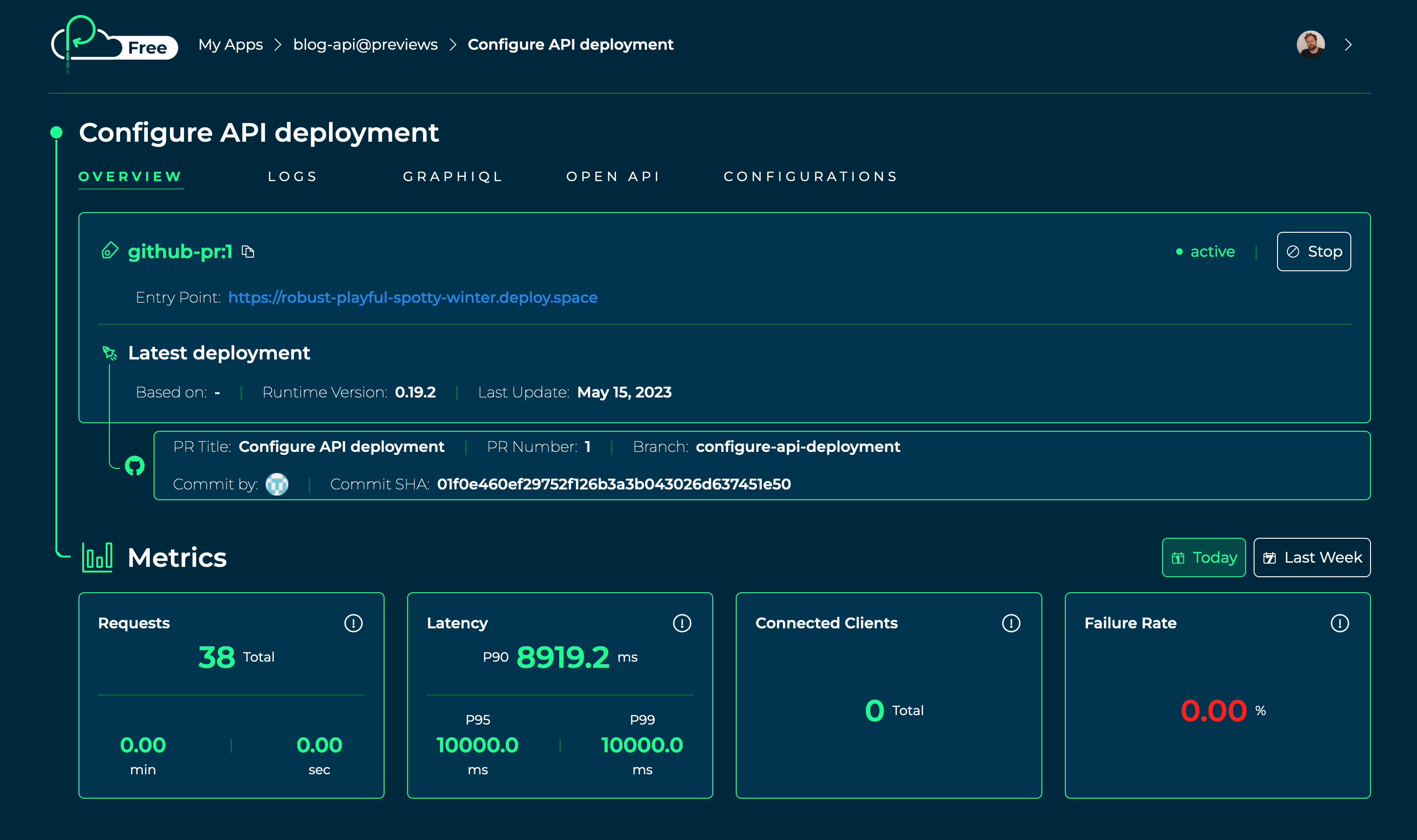
Once you've migrated your Express app to Platformatic Service, you're ready to deploy it to Platformatic Cloud:
Create a new repository on GitHub, then commit and push up the code for your Platformatic Service app.
Follow our Cloud Quick Start Guide to configure the deployment for your Platformatic Service app. You can skip the steps for creating a GitHub repository and creating a new Platformatic app.
Wrapping up
You can learn more about building Node.js apps with Platformatic service in the Platformatic Service documentation.
Once you've migrated your Express app to use Platformatic Service with @fastify/express, you might then want to consider fully migrating your Express routes and application code to Fastify. This tutorial shows how you can approach that migration process: How to migrate your app from Express to Fastify (video).
Comments
Join the discussionNo comments yet. Be the first to comment.